

SwissPass
Photo Collect is an important capture channel for SwissPass photos. Uploading without a login or app installation, the automatic quality check, the integrated manual validation and fully automatic image adjustments reduce effort and costs for end customers, the scanning center and SBB, and ensure efficient processing.
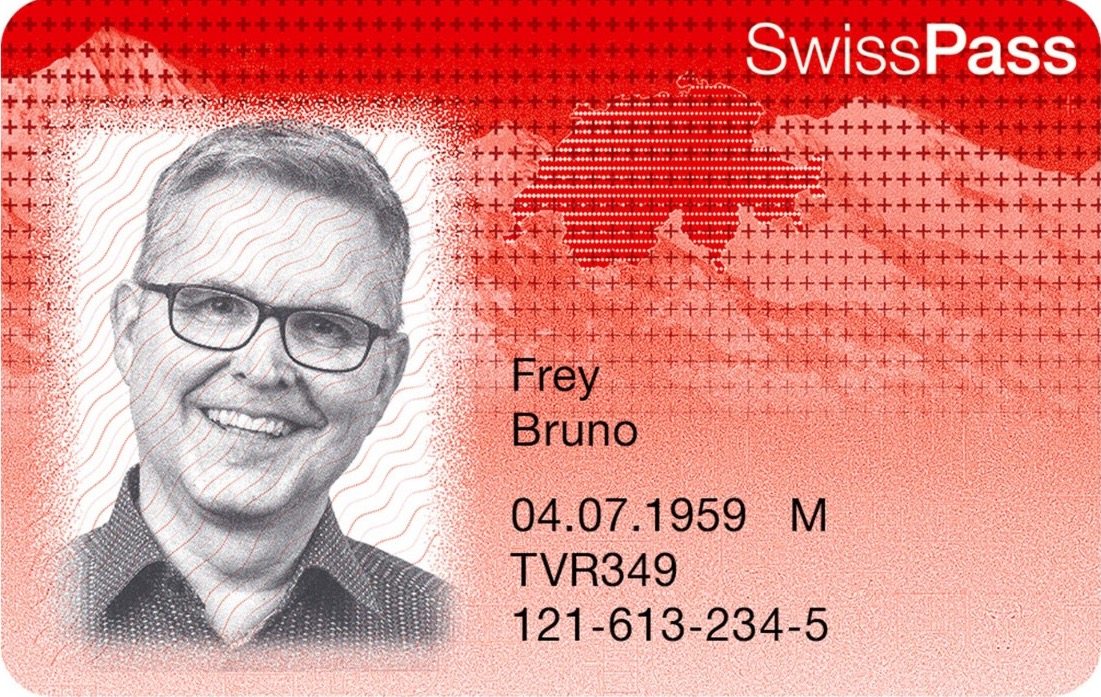
Physical photos
The SwissPass is the basic card for public transport in Switzerland. The red card, personalized with a photo, can be found in most Swiss households. Photo capture therefore has to be widely accessible, easy to use and functional.
Until 2016, the vast majority of photos for the SwissPass (or its predecessor products, the Half Fare travelcard and the GA travelcard) were submitted as printed photos. After buying the product, customers had to go to a photo booth and send the photos printed by the machine by post. If a photo was not good enough, the customer was asked again by letter to submit a new one. The process was not only slow but also expensive – both for the customer (photo booth) and for SBB (scanning, postage, repeated validation). Customers who did not have a printed passport photo at hand and were not near a photo booth had to set aside travel time to have a photo taken.
Photo upload via SMS
With Photo Collect, we bring the photo booth to the customer: the photo is taken with their smartphone camera. Via Photo Collect, the sales application sends an SMS with a personal upload link – so the link is exactly where the customer needs it: on their mobile phone.
- Upload portal directly in the browser, without a login or app installation
- Photo taken and uploaded in less than a minute (median)
- The photos are already digital and no longer need to be scanned
Automatic quality check
The photo can be checked automatically for the most common errors as soon as it is uploaded. The automatic quality check analyzes the photo and gives the customer real-time feedback on errors such as an incorrect head position or wearing a face mask. The quality check prevents photos from being uploaded that would very likely fail manual validation.
Image optimization and validation
Photo Collect's automatic background removal makes it possible to use photos that would otherwise be rejected during validation. Distracting shadows in the background are also removed, which improves image quality and recognizability. Cropping, centering and rotating the face are fully automatic and based on the standards for passport photos. Before export, the photo is sharpened and provided in the required pixel size.
In the final photo validation, the photo is reviewed and validated manually. If it does not meet the requirements, a follow-up SMS can be triggered directly. The customer is informed of the reason for the rejection in their own language and can start a new upload.
99% customer satisfaction
With just eight minutes from sending the SMS to the upload, customers respond remarkably quickly once they receive the SMS. The average time from opening the link to completing the upload is less than one minute. After uploading, customers are asked how they rate the upload process: 99% of customers rate it positively.
Capturing photos by smartphone is a win for both the customers and SBB – financially, in terms of time and in customer satisfaction. The photo booth in your pocket, with no login and no app: the simple upload process is well received and is an example of successful digitalization.